


Images and assets
Bring your own assets or let your agent find licensed images that fit the brief. With image generation available, it can make original artwork too.
 TasteCode for desktop
Taste Skill gives your agent design references, imagery and rules for avoiding generic layouts. It checks the result in a browser, down to the spacing on a phone.
 SerpApiSerpApi is the world's leading provider of search data, pioneering APIs that turn search engine results into structured, developer-ready information.
 InterfacesA design engineering magazine by Jakub Krehel
 React BitsAnimated React components for creative interfaces
 IMG.LYCreativeEditor SDK for photo, video and design
 Sent.dmMessaging APIs for SMS, WhatsApp and RCS
 BrandPush.coLaunching what you built? Get it published on news sites ChatGPT and Google cite.
Interested in sponsoring? Send an inquiry.
Bring your own assets or let your agent find licensed images that fit the brief. With image generation available, it can make original artwork too.
Your agent opens the page at desktop, tablet and phone widths. It spots uneven margins, clipped text and missing images, makes changes, then checks the page again.
Your agent builds tables and charts around the questions your dashboard needs to answer. Here, the weekly average gives the Saturday sales peak some context.
Mobile app generation is coming soon. You’ll be able to take a brief from the first screen to a complete app flow.
Using Opus 5.5 High
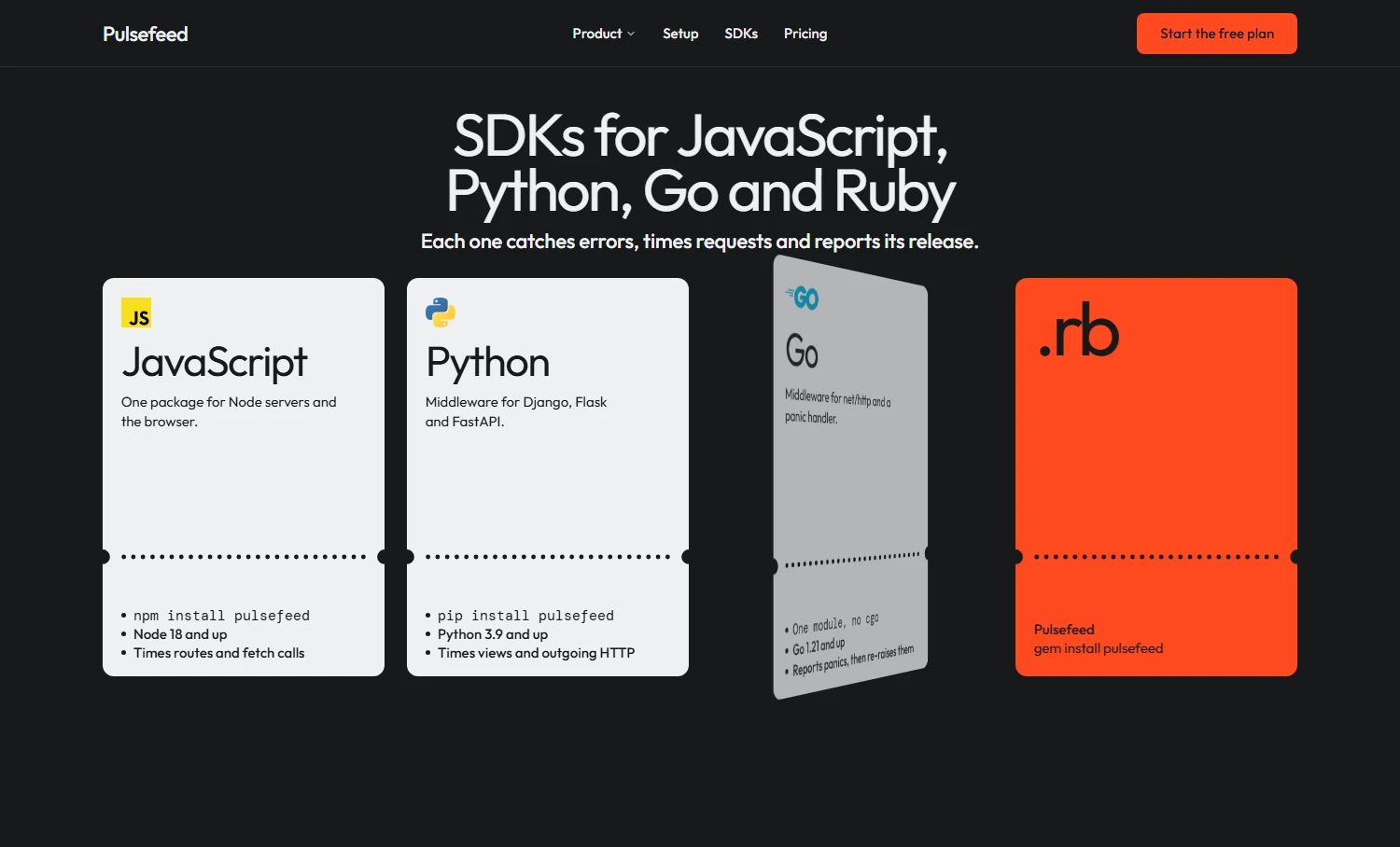
Landing page for Pulsefeed, an error and performance monitor for small dev teams. You add one SDK (JS, Python, Go or Ruby), and every error, slow request and deploy shows up on one timeline, with a Slack ping when something breaks. Free up to 1 million events a month, Team plan $49/month. The main goal is getting developers to start the free plan.
Run this in your project’s terminal to install design-taste-frontend. Run it again to update.
 TasteCode
Build a website, design a poster, make a motion video or explore an idea in 3D. TasteCode is free, open source and in beta.
A TasteCode window with its design agent at work on a brief for a coffee shop website. It locks in the brief, creates a brand direction, plans the page, gathers photographs, builds the site, starts a local preview and reviews the page at 1440 and 390 pixels wide.
Open a project in your agent and describe the page you need. Try “Build a portfolio for my work” and add the details that matter to you.
Bring your own assets, let your agent find suitable images online, or generate artwork when your agent supports it.
Yes. Your agent keeps your project’s framework. In an empty folder it starts with plain HTML unless you ask for a specific stack.
Yes. Tell your agent what you want to track and who will use it. It can build charts, tables and filters around that workflow.
The earlier design skills live in taste-skill-classics. The image tools are in imagegen-skills. Both keep their original install names. See where every skill went.
 Claude Code
 Codex
 Grok Build
 OpenCode
 Antigravity
 Node 22+
 Chrome
 Edge


 Kimi

 Vercel
